
Minecraft TPS Explained: What It Is, Why It Drops & How to Fix It
Understand TPS vs MSPT, diagnose lag with Spark profiler, tune entity limits, and choose the right CPU clock speed for stable 20.0 TPS.
Read →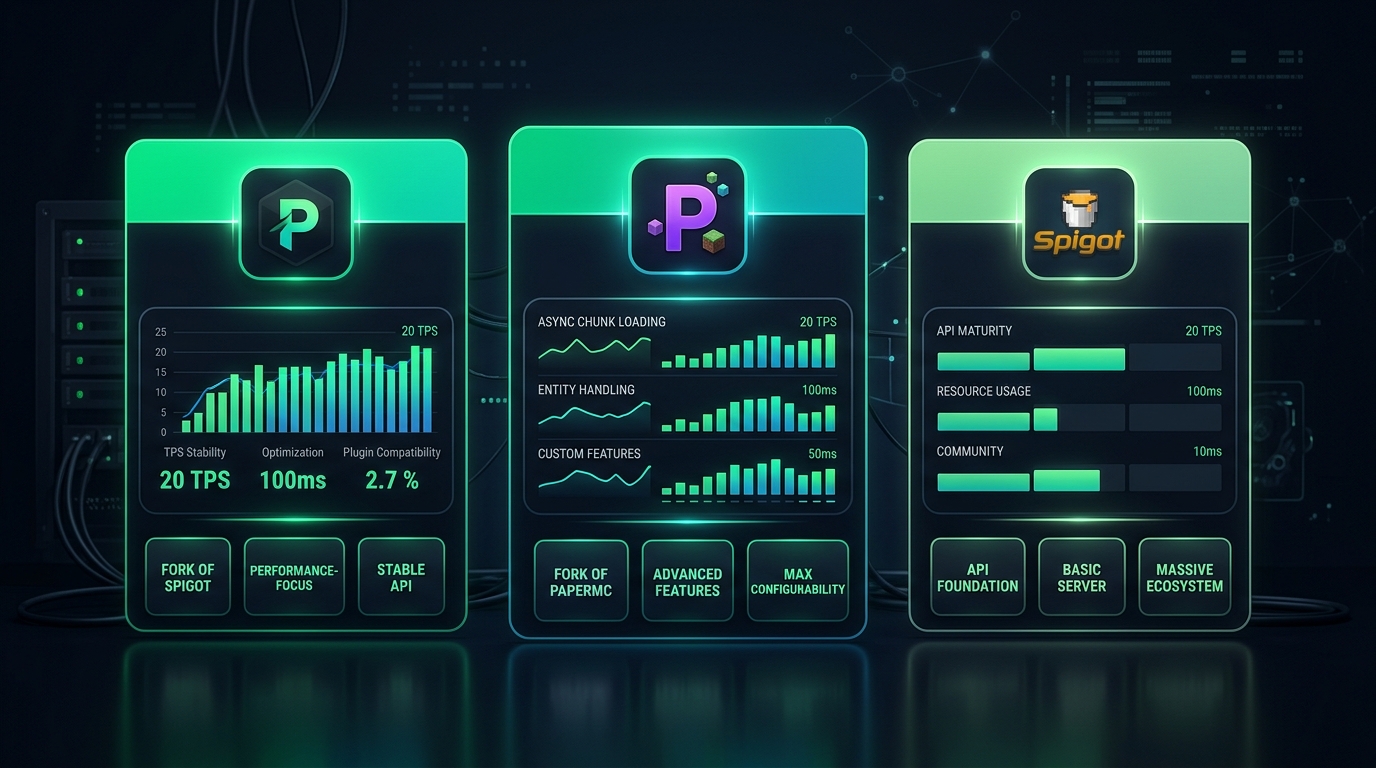
PaperMC vs Purpur vs Spigot: Which is Best for Indian Minecraft Servers?
Performance benchmarks, async chunk loading, entity optimizations, plugin compatibility, and which server software to choose for Indian SMP, PvP, and modded servers.
Read →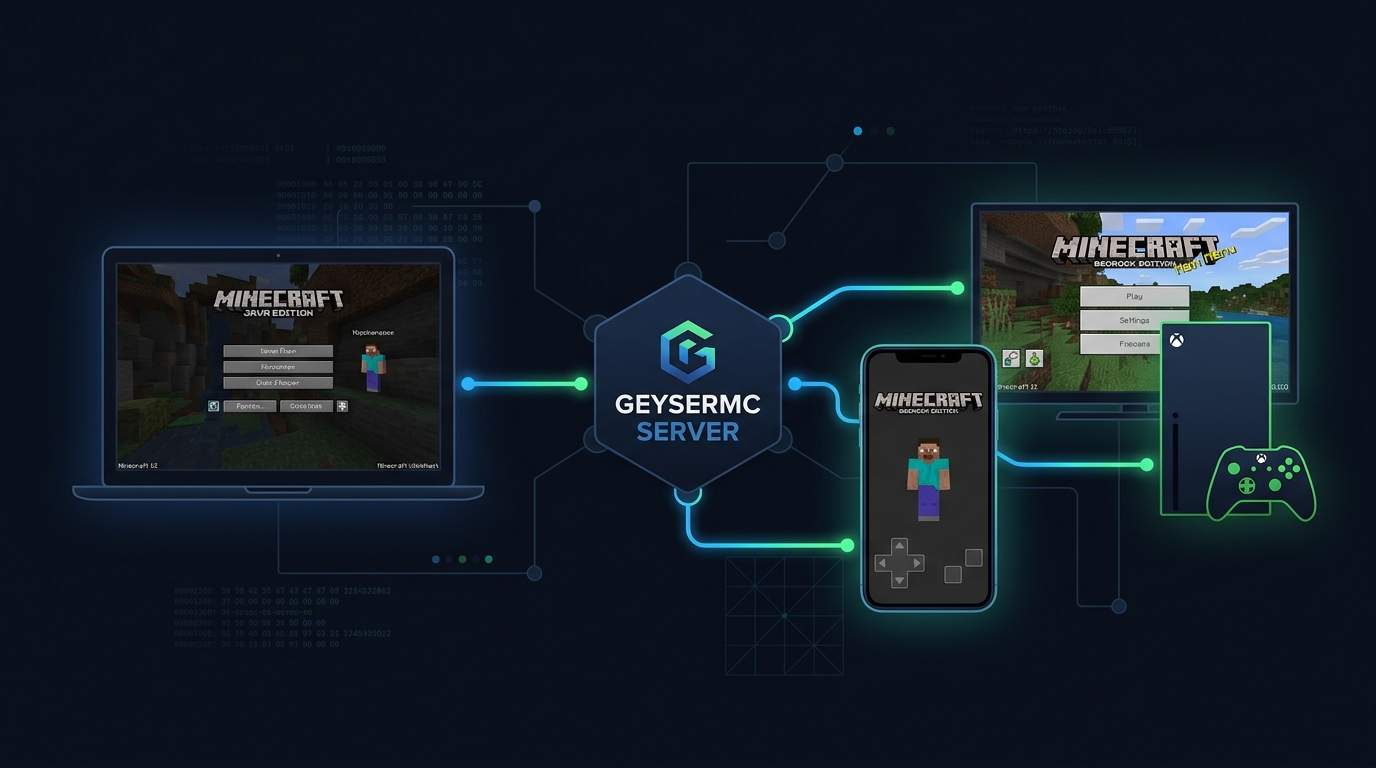
GeyserMC Crossplay: How Java, Bedrock & Mobile Players Join One Server
How GeyserMC and Floodgate work, port configuration, Bedrock player limits, Java-only plugin compatibility, and troubleshooting crossplay on Indian servers.
Read →
How to Set Up a Minecraft Server in India (2026): Step-by-Step
From UPI payment to live server in 5 minutes: Pterodactyl panel walkthrough, GeyserMC mobile crossplay setup, Aikar JVM flags, and anti-griefing plugins.
Read →
Cheap vs Premium Minecraft Server Hosting: Why Quality Matters
The technical reality of oversold nodes, 2.4 GHz Xeons vs 5.7 GHz Ryzen 9, and how quality CPU clock speed guarantees stable 20.0 TPS.
Read →
How to Setup Geyser & Floodgate for Bedrock Crossplay (2026)
Manual installation guide: config.yml, proxy mode, Floodgate auth bypass, and troubleshooting common crossplay connection errors.
Read →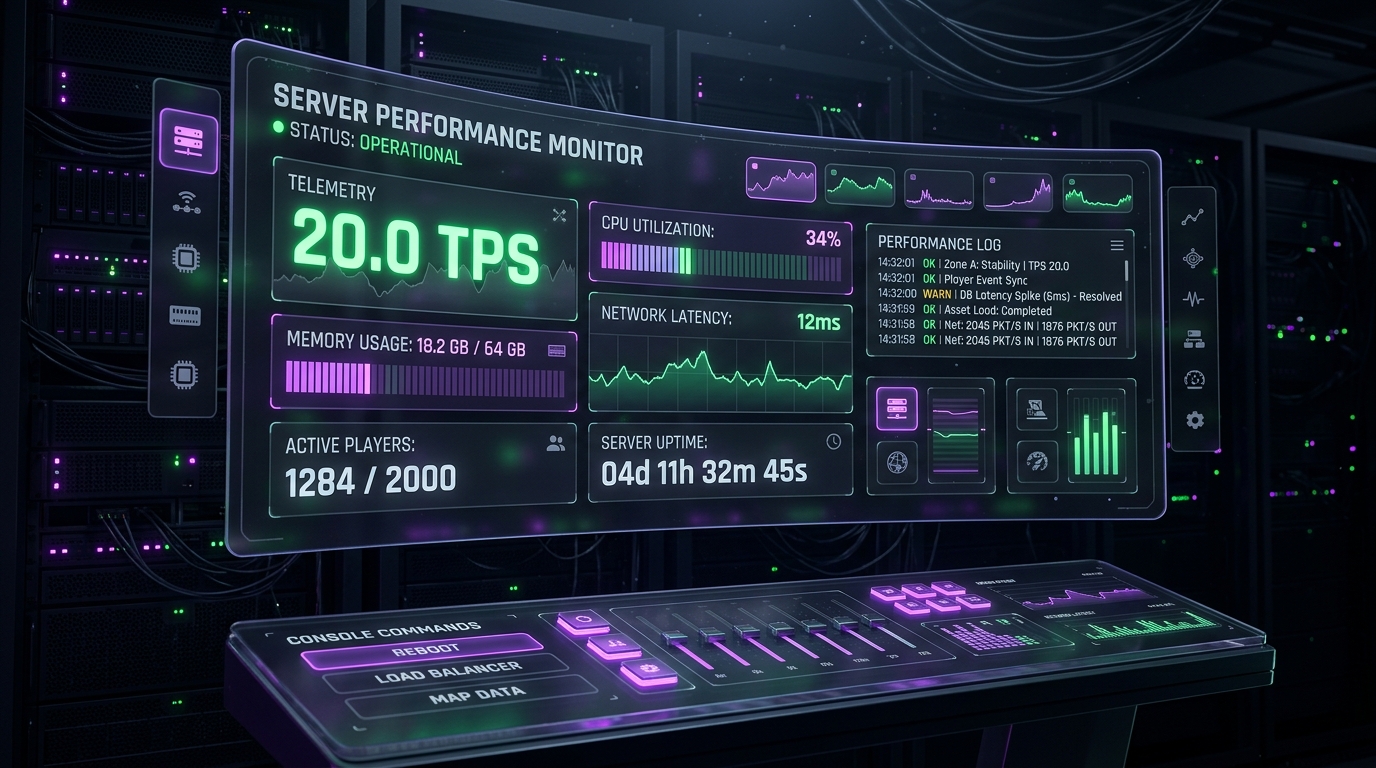
How to Fix "Can't Keep Up! Is the Server Overloaded?" (2026)
Diagnose MSPT bottlenecks with Spark profiler, tune entity limits, optimize chunk loading, and permanently resolve TPS drops on Paper and Purpur.
Read →
10 Tips to Optimize Minecraft Server Performance
Reduce lag and improve TPS: Paper config tuning, Aikar JVM flags, pre-generation with Chunky, Spark profiling, and entity limit configuration.
Read →
How Much RAM Does Your Minecraft Server Need?
Exact RAM calculations for Vanilla, Paper, Forge, Fabric, BungeeCord, and modpack servers based on player count and mod complexity.
Read →
Paper vs Spigot vs Purpur: Which Server Software?
Performance benchmarks, plugin compatibility, unique features, and quick-pick recommendations for SMP, PvP, minigames, and vanilla-plus servers.
Read →
Set Up a Modded Minecraft Server (Forge & Fabric)
Forge vs Fabric vs NeoForge decision guide, modpack installation via CurseForge and Modrinth, Java settings, and crash troubleshooting.
Read →
Minecraft Server Hosting Benchmarks India (2026): Ryzen vs Xeon
50-player TPS stress test results, 7,100 MB/s NVMe chunk generation benchmarks, and city-by-city ping tests across Airtel and Jio.
Read →
How to Protect Your Minecraft Server from DDoS Attacks
Attack types, TCP/UDP floods, null-ping bots, proxy tunneling, and infrastructure-level Layer 3/4/7 mitigation via Path.net.
Read →
Every Minecraft Server Type Explained
Survival, Skyblock, Prison, Factions, Anarchy, Minigames, Pixelmon, and Network types — hardware requirements, plugin stacks, and player capacity guides.
Read →
How to Choose Minecraft Server Hosting in India: Complete Guide
What to look for: CPU clock speed, datacenter location, NVMe storage, DDoS protection, Pterodactyl panel, payment methods, and support quality.
Read →
Best Minecraft Mods for Multiplayer Servers (2026)
Top performance, gameplay, and administration mods for 2026 — Sodium, Lithium, Create, LuckPerms, WorldGuard, and CoreProtect.
Read →
How to Transfer Your Minecraft Server to a New Host
Backup world folders, plugins, and player data via SFTP. Upload to new host and switch DNS without player-facing downtime.
Read →
How to Create a Minecraft Server Icon & Colorized MOTD
Design 64x64 server icons, format MiniMessage HEX color gradients for your MOTD, and import them in the Pterodactyl panel.
Read →
Palworld vs Minecraft: Server Resource Comparison
RAM, CPU, and storage requirements compared across player counts. Which game is more resource-intensive and what that means for your hosting cost.
Read →
Start a Minecraft Hosting Business in India (2026)
Infrastructure setup with Pterodactyl + Paymenter, Razorpay integration, UPI billing, GST registration, pricing strategy, and Indian Minecraft community marketing.
Read →Ready to Start Your Minecraft Server in India?
Mumbai & Delhi NCR nodes • Ryzen 9 / Intel Xeon • Gen4 NVMe • GeyserMC Crossplay • UPI Accepted
View Minecraft Hosting Plans
What Is a VPS? A Complete Beginner's Guide
How KVM virtualization works, real-world use cases, and the complete VPS vs shared vs dedicated hosting comparison.
Read →
First-Time VPS Setup: Complete Beginner's Guide
SSH key login, non-root user setup, UFW firewall rules, fail2ban brute-force protection, and essential software on Ubuntu/Debian.
Read →
Linux VPS Security: 10 Essential Steps After First Login
SSH key authentication, UFW firewall, fail2ban, unattended upgrades, logwatch, and advanced security hardening for production VPS servers.
Read →
Complete Guide to Virtualizor: Managing Your VPS
OS reinstall, VNC console access, resource monitoring dashboards, snapshot creation, networking configuration, and common troubleshooting.
Read →
Docker Containers & Game Servers: How Modern Hosting Works
How Pterodactyl uses Docker for per-server isolation, resource limits, and security. Containers vs VMs explained with real-world hosting context.
Read →
How to Set Up a Palworld Dedicated Server
System requirements, SteamCMD installation, server configuration, port forwarding, and performance optimization for Palworld.
Read →
How to Set Up a FiveM GTA RP Server
FiveM server installation, resource management, QBCore vs ESX framework choice, and configuration for Indian GTA RP communities.
Read →
FiveM: QBCore vs ESX Framework — Which to Choose?
Feature comparison, community support, resource availability, performance, and which framework is better for Indian GTA RP servers in 2026.
Read →
Game Server CPU vs RAM: What Actually Matters?
When CPU clock speed limits your server, when RAM is the bottleneck, and how to choose the right specs for Minecraft, Palworld, and FiveM.
Read →
How to Host a Discord Bot 24/7
Three hosting methods compared: Pterodactyl panel, VPS with PM2 or systemd, and cloud platforms. Cost, reliability, and setup complexity for each.
Read →
Discord Bot: VPS vs Dedicated Hosting — When to Upgrade
When a shared bot plan is enough and when you need a dedicated VPS: resource needs, cost thresholds, scaling decisions, and latency considerations.
Read →
What Is DDoS Protection and Why Your Server Needs It
How DDoS attacks work, volumetric vs protocol vs application layer attacks, scrubbing centers, and why Indian servers are frequently targeted.
Read →
Understanding Server Latency and Ping
What determines ping, how server location affects Indian players on Jio and Airtel, jitter, packet loss, and why sub-10ms matters for Minecraft.
Read →
How to Reduce Game Server Lag: Network & Hardware Fixes
Diagnose rubber-banding and hit-delay: network route optimization, ISP peering quality, server tick rate tuning, and hardware upgrade thresholds.
Read →
Best Web Hosting in India 2026: LiteSpeed, NVMe & cPanel
LiteSpeed vs Apache, NVMe SSD storage impact, free SSL and cPanel features compared. An honest guide to Indian web hosting in 2026.
Read →
How to Install WordPress on cPanel in 5 Minutes
Softaculous one-click installer, free SSL certificate setup, LiteSpeed Cache plugin configuration, and essential WordPress plugins to install first.
Read →
Web Hosting vs VPS: Which Do You Actually Need?
When shared hosting is enough and when to upgrade. Real scenarios, traffic thresholds, performance differences, and pricing comparison.
Read →
How to Speed Up Your WordPress Website: 10 Real Fixes
PHP 8, OPcache, LiteSpeed Cache, WebP images, plugin audit, database cleanup, CDN, and NVMe hosting — with measurable impact for each fix.
Read →
Free SSL Certificate Setup: Complete Guide (2026)
Let's Encrypt, cPanel AutoSSL, HTTPS redirect configuration, mixed content fixes, and HSTS setup — every step explained for beginners.
Read →
The Complete Guide to Pterodactyl Panel
Console, file manager, databases, schedules, automated backups, sub-users, SFTP access, and advanced panel configuration tips.
Read →No articles found
Try a different search term or browse all articles above.