How to Set Up a Minecraft Server in India (2026): Step-by-Step Guide
Want to build a lag-free 24/7 Minecraft server for your friends or a growing SMP community in India? Follow this complete walkthrough to deploy high-performance Indian hardware with sub-10ms ping, Geyser crossplay, and automated backups in under 5 minutes.

Table of Contents
- Understanding Hardware & RAM Requirements
- Step 1: Choose Your Plan & Datacenter Location
- Step 2: Instant UPI Activation in Under 60 Seconds
- Step 3: Selecting Your Server Software (Paper vs Purpur vs Fabric)
- Step 4: Setting Up Geyser & Floodgate Crossplay (Mobile/Console)
- Step 5: Essential Plugins for Performance & Grief Prevention
- Step 6: Optimizing Aikar's JVM Flags for Locked 20.0 TPS
- Step 7: Launch, Connect, & Invite Your Community
Understanding Hardware & RAM Requirements
Before deploying your server, you need to match your RAM and CPU allocation to your intended gameplay mode:
- Vanilla / Small Friend SMP (5–15 players): 4GB RAM is the golden standard. It gives the Java Virtual Machine (JVM) sufficient heap space for chunk loading without triggering garbage collection pauses.
- Community SMP / Light Plugins (20–50 players): 6GB to 8GB RAM is required. Plugins like CoreProtect, Dynmap/Bluemap, and LuckPerms require extra memory overhead.
- Heavy Modpacks (All The Mods 9, DawnCraft, RLCraft): 12GB to 16GB RAM is essential. Heavy Forge or NeoForge packs load 350+ mods and thousands of custom entities.
Choose Your Plan & Datacenter Location
Navigate to Azion Cloud Minecraft Hosting and select your plan. Azion Cloud operates native hardware clusters in both Delhi NCR and Mumbai.
If most of your players are located in North India (Delhi, Punjab, Haryana, UP, Rajasthan), select Delhi NCR for 4ms to 8ms ping. If your community is concentrated in Western and Southern India (Mumbai, Pune, Bangalore, Hyderabad), select Mumbai for optimal fiber routing.
Instant UPI Activation in Under 60 Seconds
Unlike international hosts that force you through foreign exchange fees and credit card approvals, Azion Cloud integrates seamless Indian payment gateways:
- Scan the instant UPI QR code with Google Pay, PhonePe, Paytm, or BHIM
- Net Banking across all major Indian banks
- RuPay, Visa, and Mastercard debit/credit cards
Once payment is confirmed, your server is automatically provisioned and online in under 60 seconds with your Pterodactyl login credentials emailed instantly.
Selecting Your Server Software (Paper vs Purpur vs Fabric)
Inside the Azion Game Panel, head to the Version Switcher. With a single click, you can install any of the following server engines:
- Purpur (Recommended): An ultra-optimized fork of Paper designed for maximum single-thread performance, customizable mob stacking, and enhanced TPS stability.
- Paper: The industry standard for multiplayer survival. Patches hundreds of vanilla lag exploits while supporting Spigot and Bukkit plugins.
- Fabric: Lightweight and modern, perfect for technical Redstone servers running Lithium and FerriteCore optimization mods.
- Forge / NeoForge: The platform of choice for large content modpacks.

Setting Up Geyser & Floodgate Crossplay (Mobile/Console)
In India, over 45% of Minecraft players play Bedrock Edition on Android smartphones. To allow them to join your Java server:
- In your Azion control panel, click on Plugin Installer.
- Search for
Geyser-Spigotand click Install. - Search for
Floodgateand click Install (Floodgate enables Bedrock players to join without needing a Java account). - Restart your server. Geyser will automatically map Bedrock port
19132to your Java port!
Now, mobile and console players can enter your server IP and play together with PC players with zero desync!
Essential Plugins for Performance & Grief Prevention
To keep your server safe and running smoothly, we recommend installing these essential plugins directly through the panel:
- CoreProtect: Logs every block placed, broken, chest opened, and entity killed. Allows you to rollback griefing with a single command (
/co rollback). - LuckPerms: The definitive permissions manager for ranks, VIP roles, and staff permissions.
- Chunky: Allows you to pre-generate your world border terrain before players join, preventing in-game exploration lag spikes.
- Spark: An advanced performance profiler that reveals exactly which plugins or redstone contraptions are consuming MSPT.
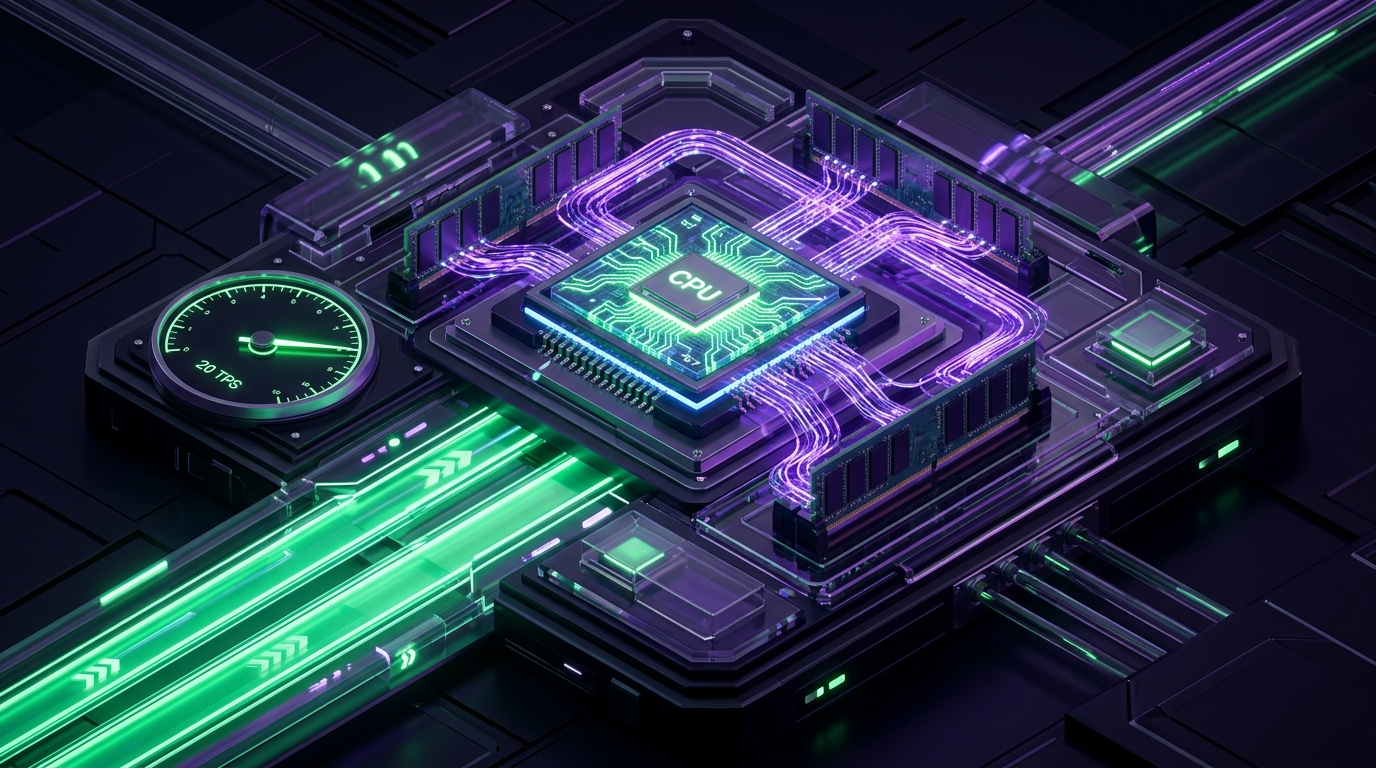
Optimizing Aikar's JVM Flags for Locked 20.0 TPS
All Azion Cloud servers come pre-configured with Aikar's optimized JVM startup flags using the G1 Garbage Collector. These flags prevent Java's "stop-the-world" garbage collection pauses that cause sudden lag spikes:
-XX:+UseG1GC -XX:+ParallelRefProcEnabled -XX:MaxGCPauseMillis=200
-XX:+UnlockExperimentalVMOptions -XX:+DisableExplicitGC -XX:+AlwaysPreTouch
-XX:G1NewSizePercent=30 -XX:G1MaxNewSizePercent=40 -XX:G1ReservePercent=20
-XX:SurvivorRatio=32 -XX:G1MixedGCCountTarget=4
These flags ensure memory cleanup occurs seamlessly in background threads without dropping your tick rate below 20.0 TPS.
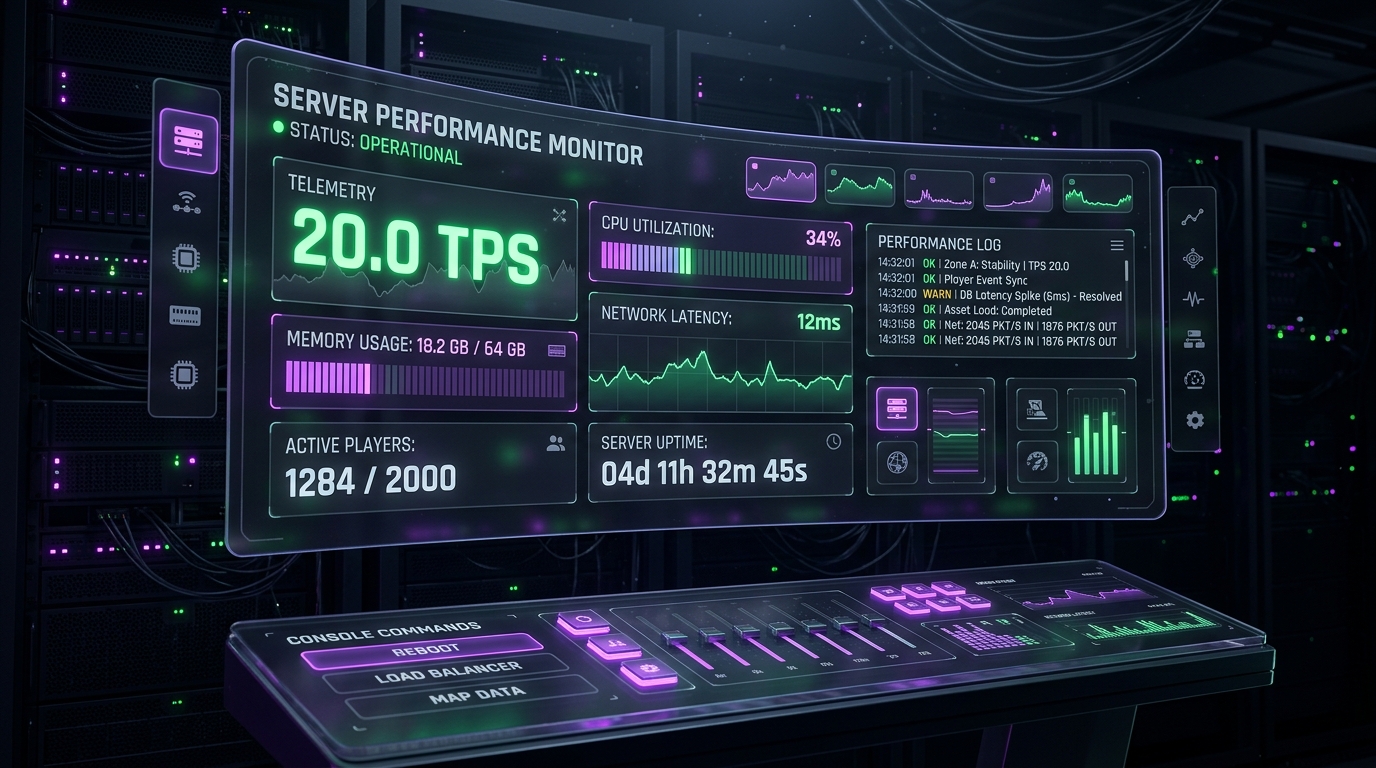
Launch, Connect, & Invite Your Community
Navigate to Console, click Start, and your server will compile its world in seconds thanks to Gen4 NVMe storage.
Use your free vanity subdomain (e.g., play.yourname.azioncloud.com) to connect directly in Minecraft. Share the IP with your friends, invite your Discord members, and enjoy smooth, lag-free gameplay with sub-10ms Indian latency!